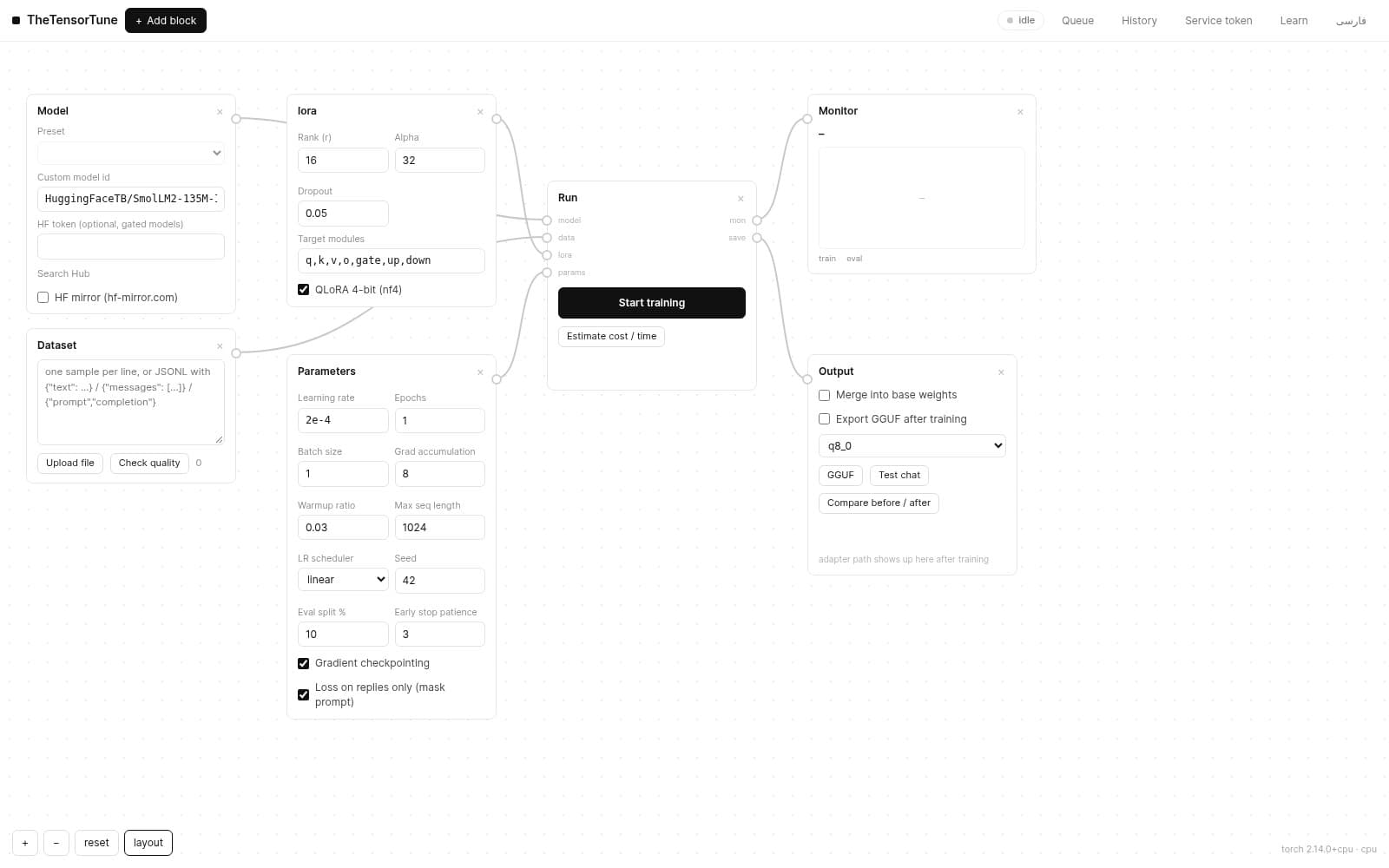
The GGUF button on the output block (or a run row in History) merges the model and writes a .gguf next to the run — ready for llama.cpp / Ollama / LM Studio:
- quant:
f16(exact, large),q8_0(low error, lean — recommended) and K-quants likeq4_k_m(needs llama-quantize on PATH or via TT_LLAMA_CPP). - export progress is shown in the modal; on completion you get the file path and a download.
- metadata stays intact: tokenizer, architecture and attention biases are preserved — exported replies match the source model.
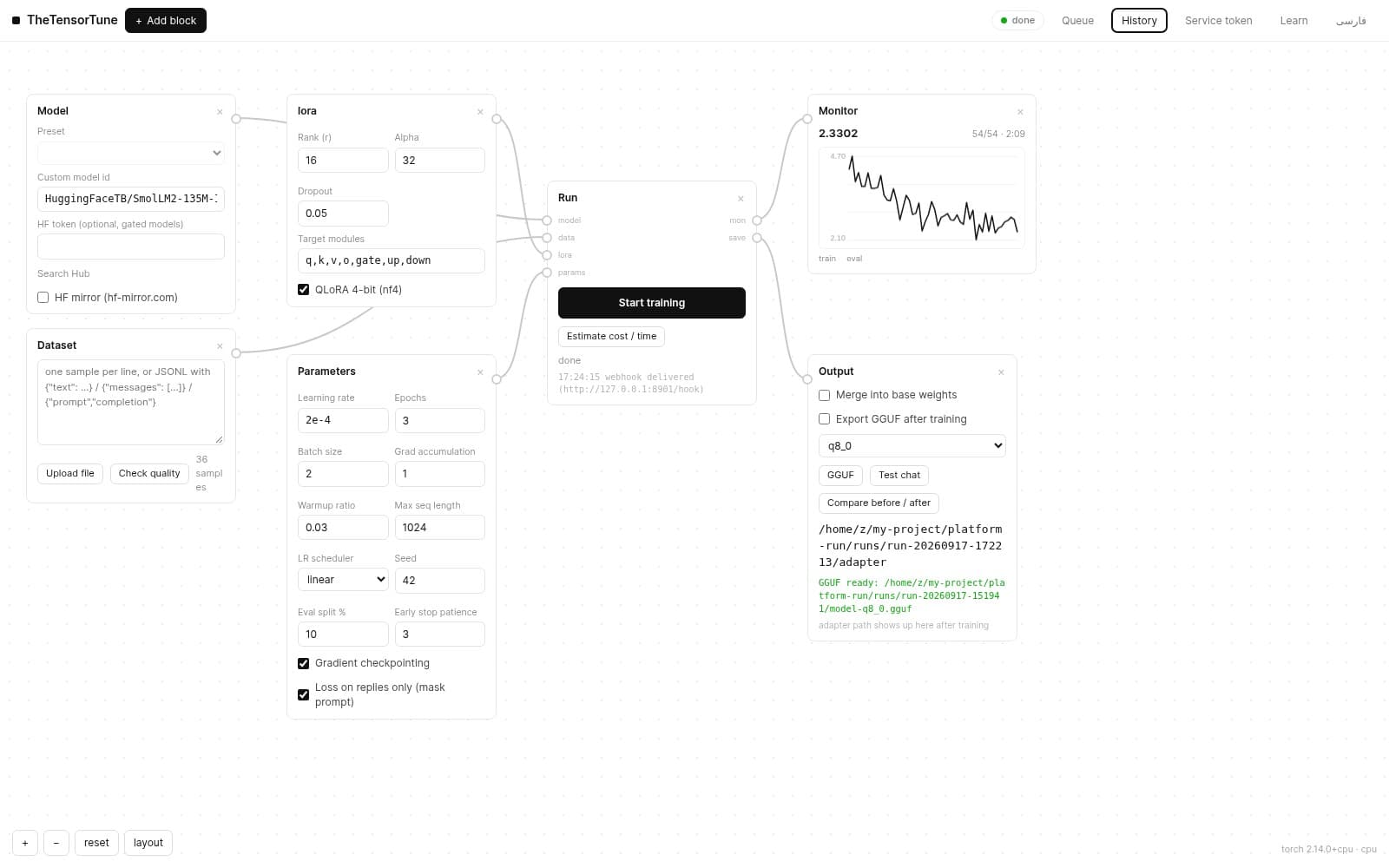
Tip: a q8_0 export keeps replies matching the source model — tokenizer, architecture and attention biases are all preserved.