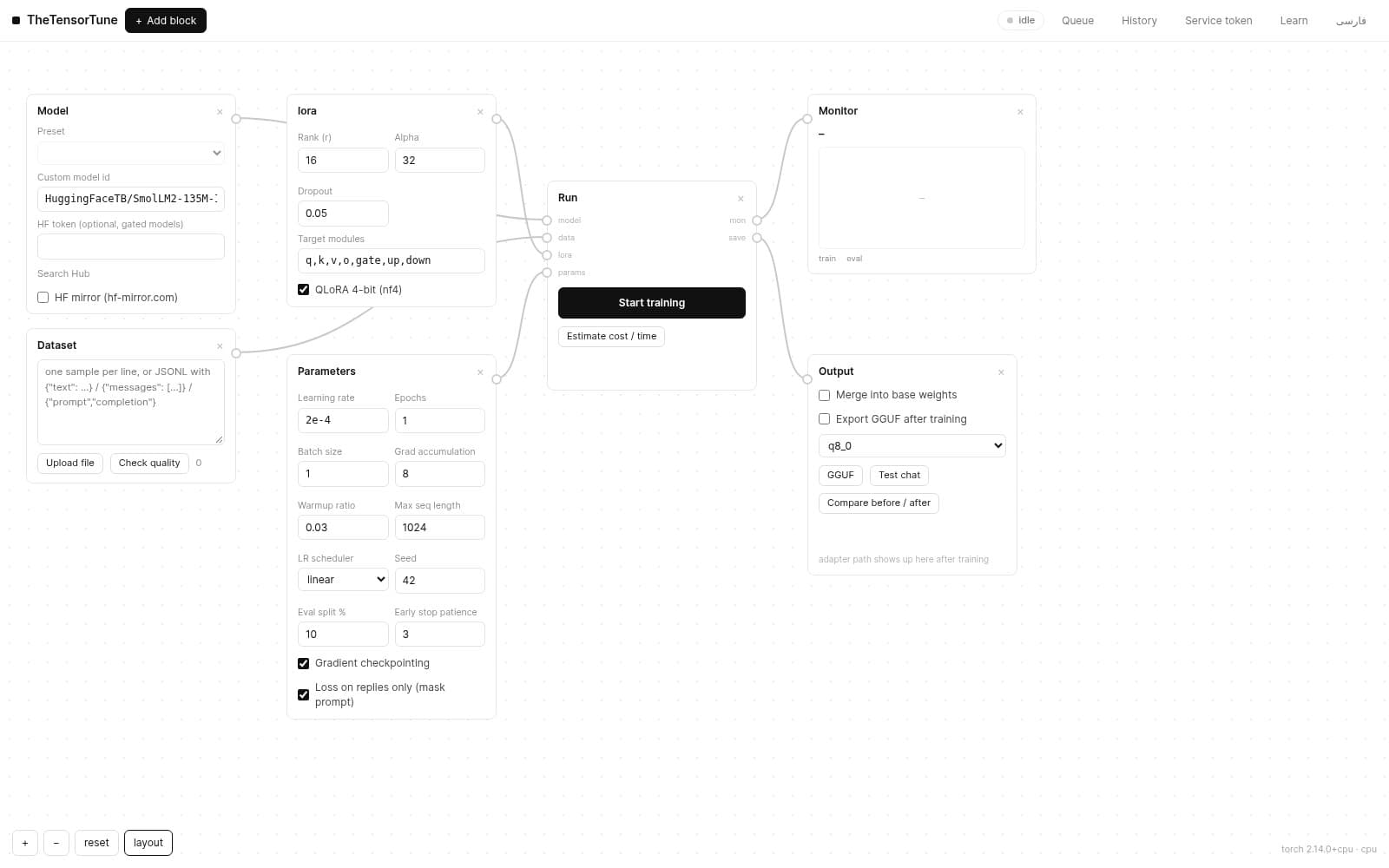
Wire the Model / Dataset / LoRA / Params outputs into the Train block and press Start. From that moment:
- the status chip in the topbar switches to "training" and shows the queue counter.
- the queue modal gives step-by-step progress (e.g. 4/12), live loss, a timestamped log, per-job webhook state and a cancel button.
- cancelling a queued job marks it "canceled"; cancelling a running job marks it "stopped" — and it can be resumed from its checkpoint.
- submit several jobs — the queue runs them in order and memory is freed between jobs.
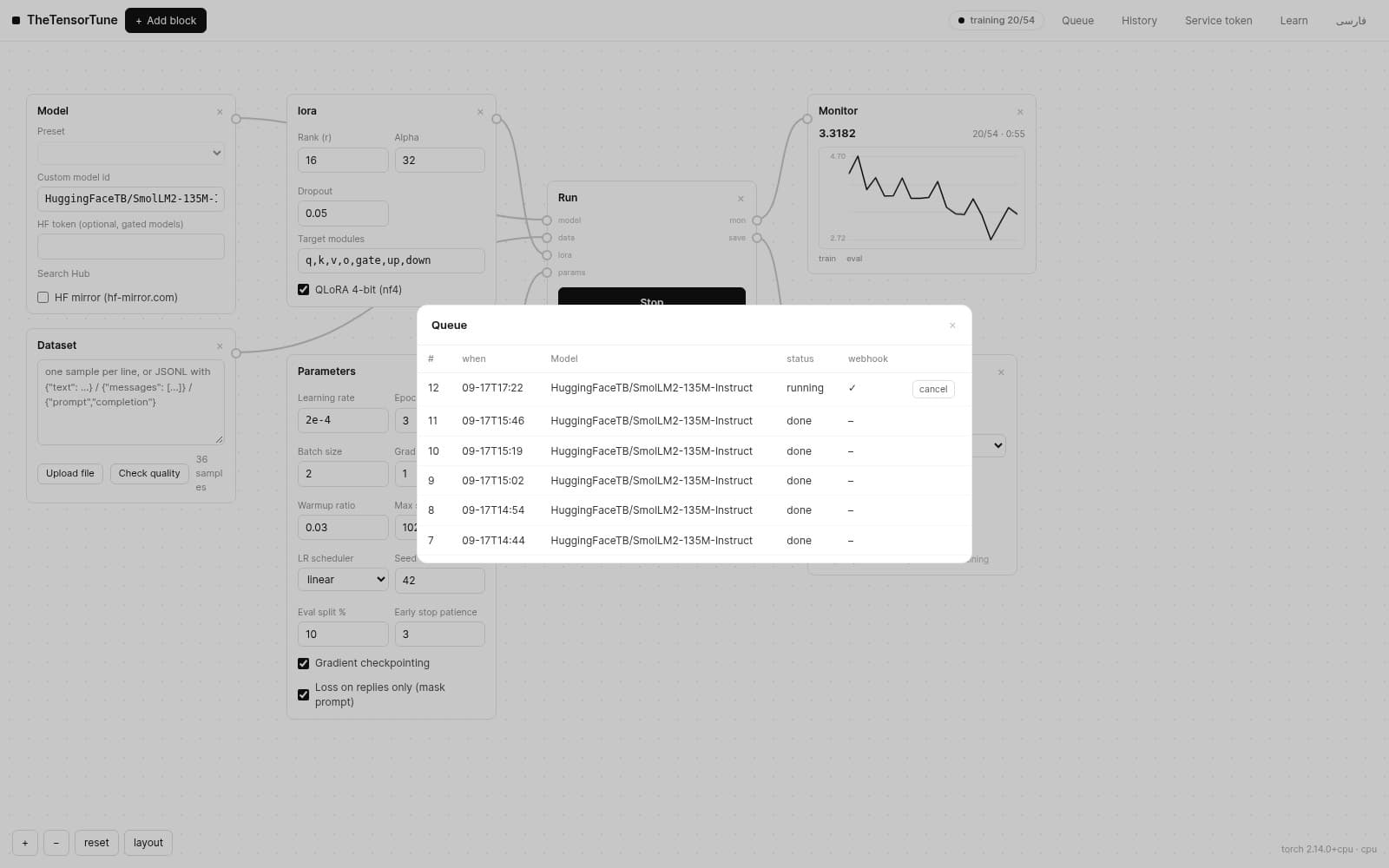
Tip: the loss chart on the monitor block draws live; a steadily falling loss means the model is learning.